
These instructions are for students ONLY.
To print, you need: your card, your credentials, a credit card or paypal account
1) Credit your account by following this link (connect with your credentials)
(PLEASE NOTE: no refunds will be issued).
2) Submit your job to the printers:
- From your phone or laptop: send your files from your IESEG email to SafeQ@ieseg.fr. (To print your document in color, please add "#couleur" to the name of your document).
- On IESEG computers, by choosing "SecurePrint on safeqsiteL"
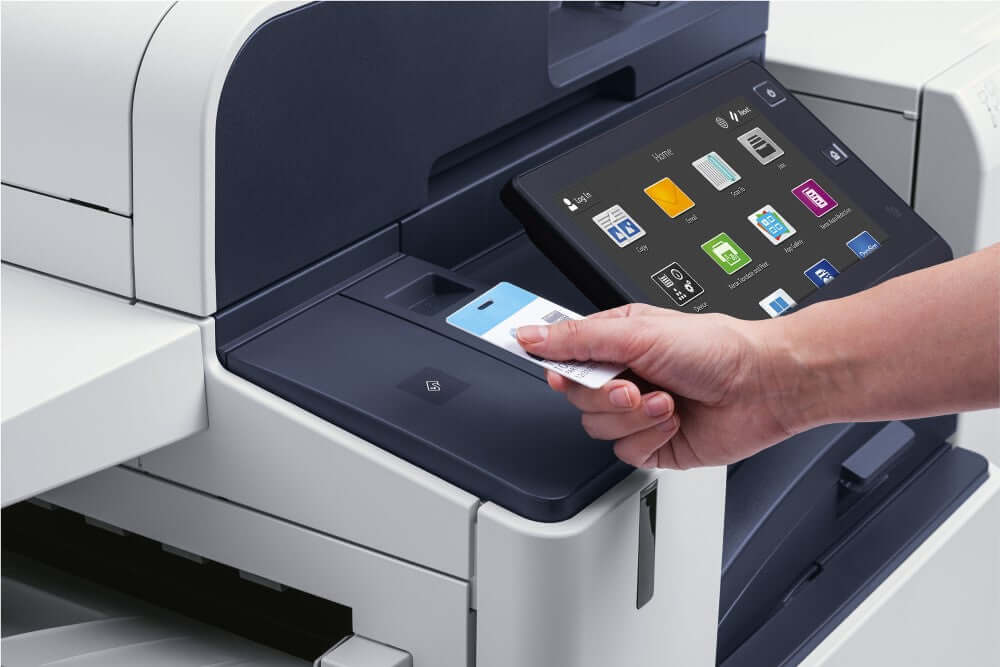
3) Release your job on any printer by swiping your student card on the front side of the printers
For security reasons, USB print is not available.
Article doesn't solve the problem? Click here
Comments
0 comments
Article is closed for comments.